

The Unfuddle Blog
-
UI Updates and The New Board in Unfuddle STACK
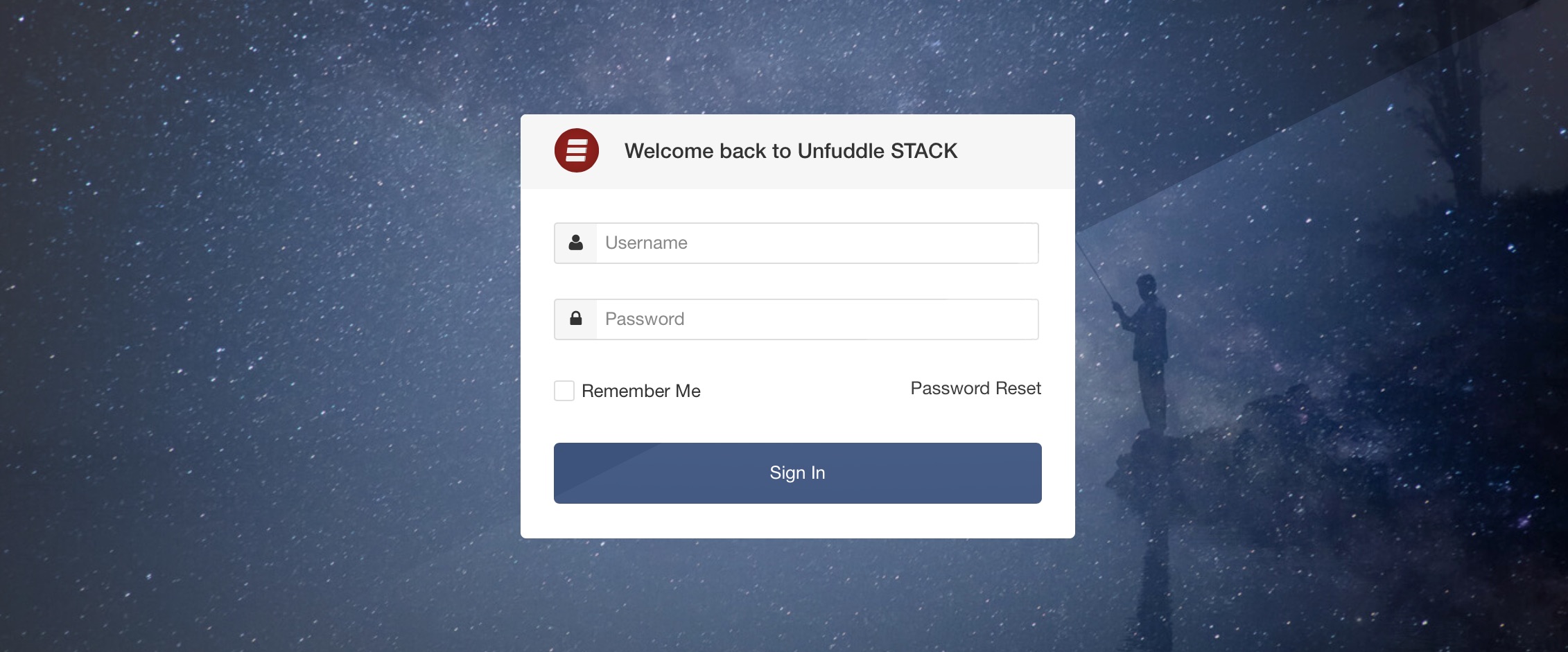
You may recall that, in response to our survey earlier this year, we committed to some pretty significant updates to Unfuddle STACK. We started by implementing sweeping performance improvements. And now we are doubling down on our commitments by releasing a very exciting, and very visible update to the user interface.
-
Two-Factor Authentication Updates for Unfuddle STACK
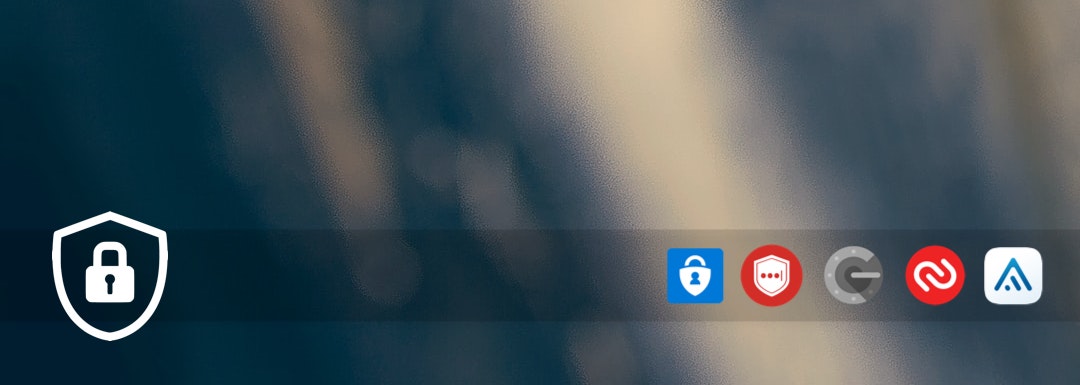
We have recently deployed an update that will allow you to use your favourite Authenticator to sign in to your Unfuddle STACK account!
Here are some of the many Authenticators that are now compatible with our 2FA system:
-

After a deep analysis of your responses to our recent survey, our team decided that we will be working on the following areas that will directly improve your daily experience with Unfuddle STACK:
-
Introducing Flexible Permissions in Unfuddle TEN
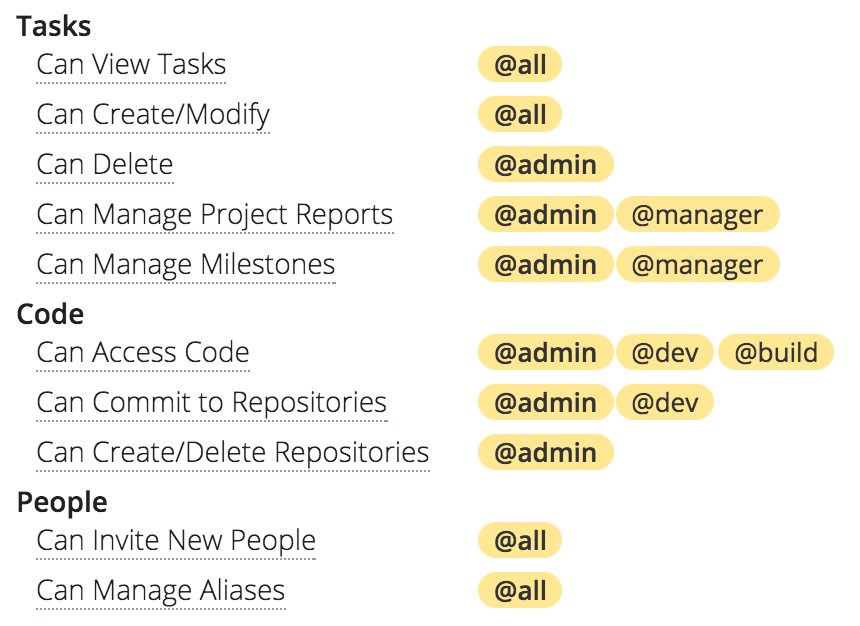
Today, we are launching a flexible permission system that will allow more fine-grained control over your projects.
-
A Simple Code Review Workflow in Unfuddle TEN
Did you know that you can improve your coding and work better as a team by implementing a very simple workflow in your projects? Read more to see how doing code review and using merge requests in your Unfuddle TEN projects will benefit you and your team, both now and in the long-run.
-
Unfuddle: Task Todos and Activity
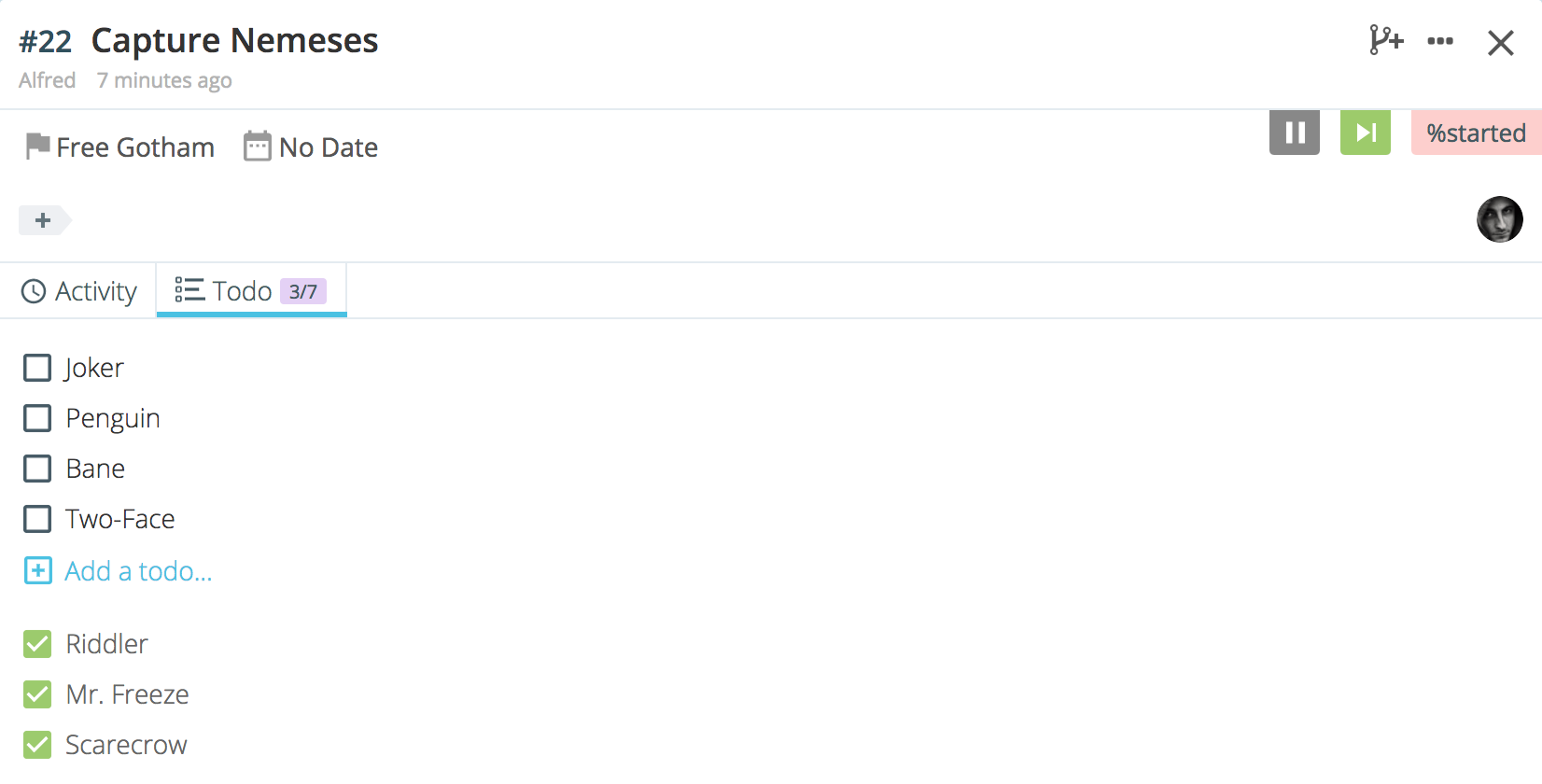
This week, we launched a couple updates to tasks. Among them you can now add a list of todos!
-
Unfuddle TEN: Multiple Repositories
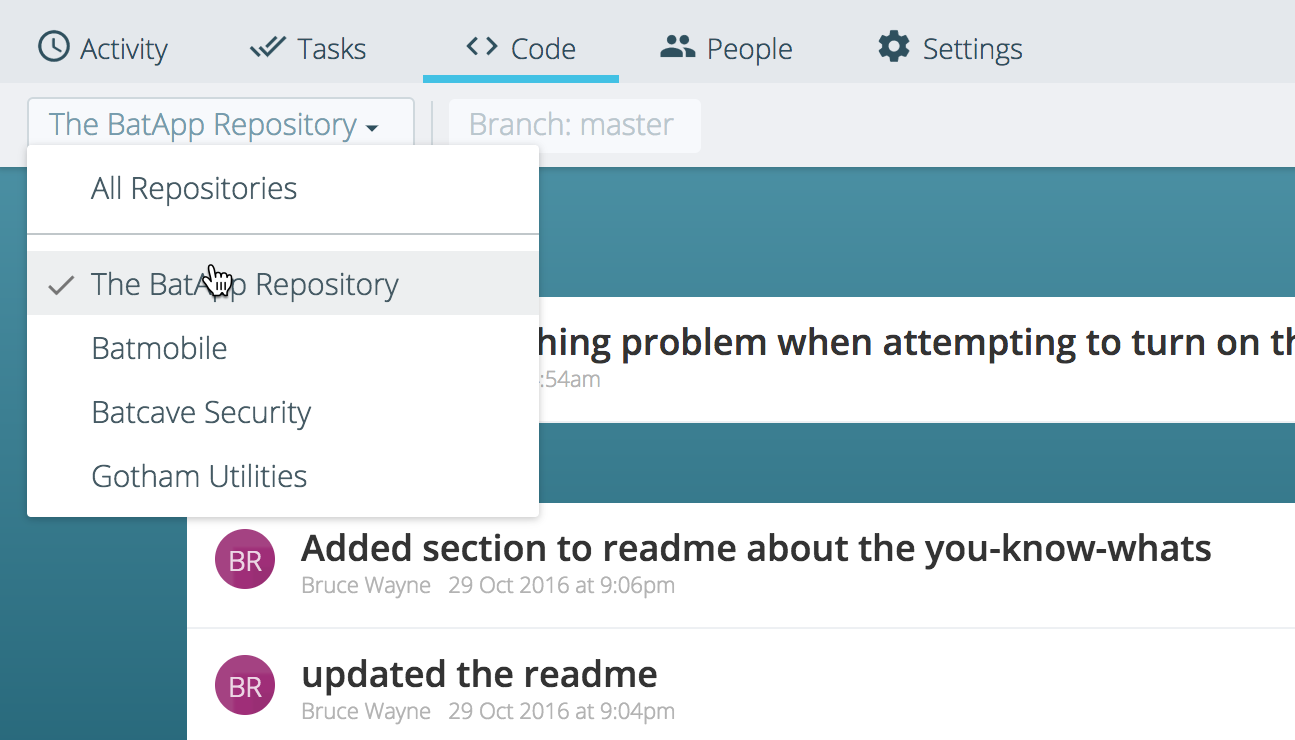
Starting today, projects created in organizations can have any number of Git repositories associated with them.
-
Unfuddle TEN: Taskboard Update
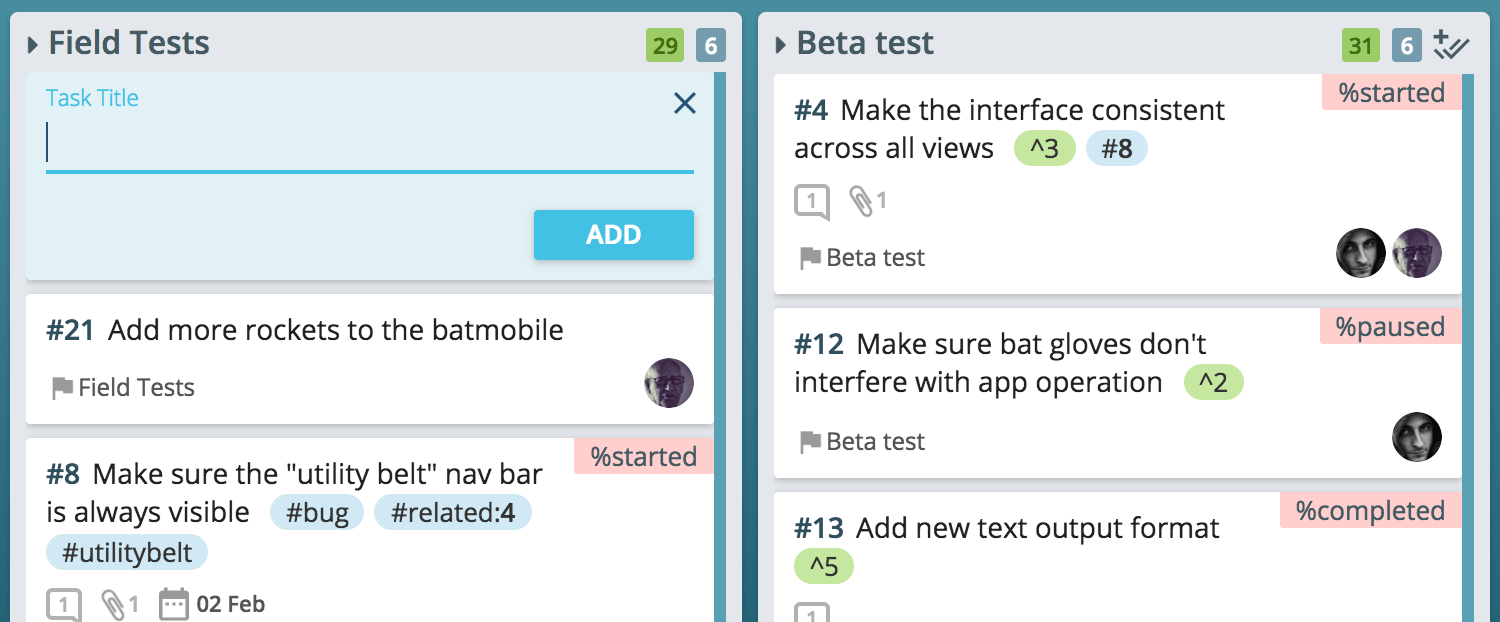
In this update we've made it possible to quickly add tasks to any taskboard column regardless of how the board is grouped or arranged.
-
Unfuddle TEN New Features: Improved Task Card Features
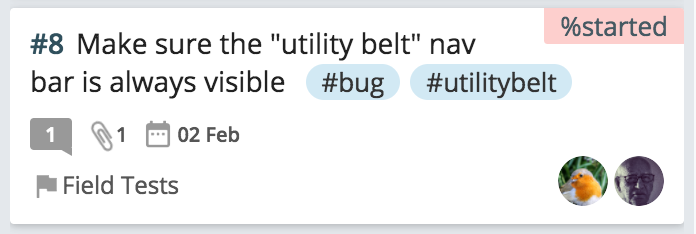
Continuing with our recent usability updates, we've just rolled out a significant overhaul to how our task cards look and function.
-
Unfuddle TEN New Features: Backlog and Milestones
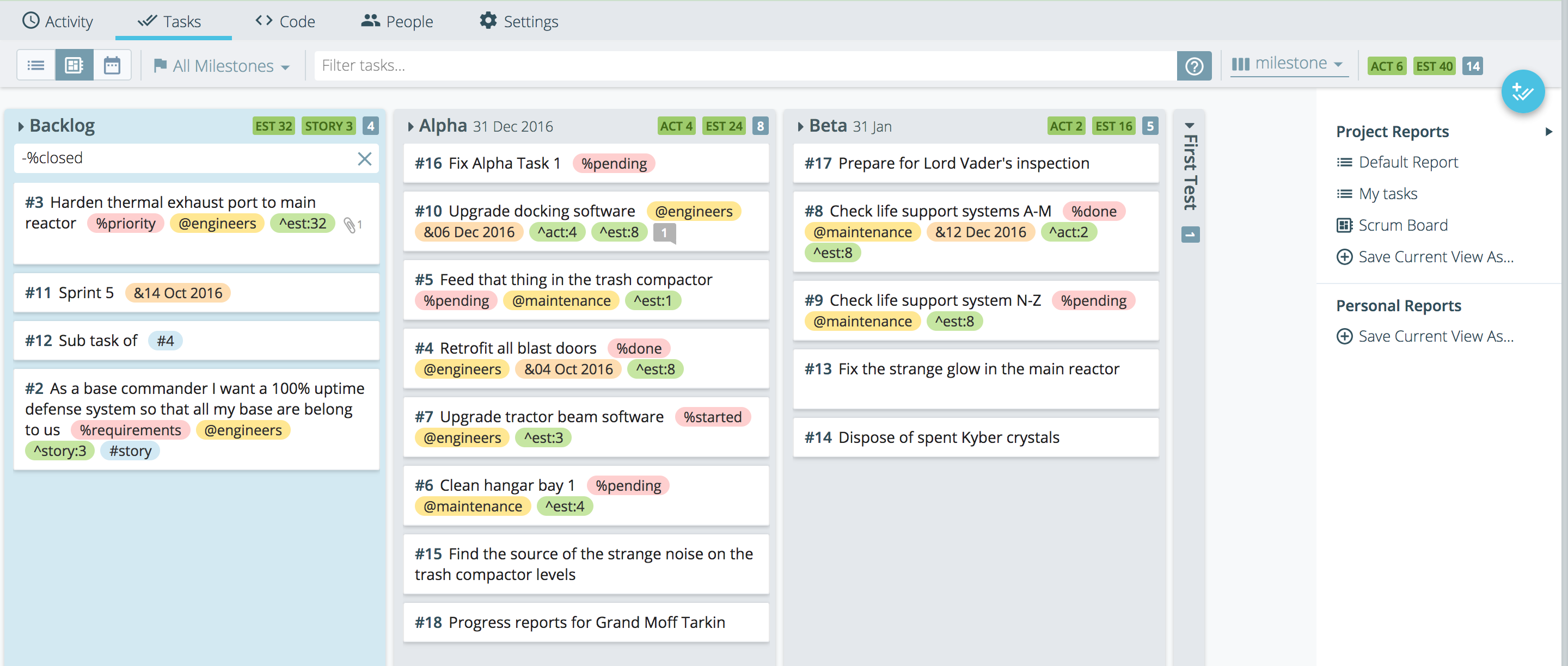
Today, you've got some new things for you. It's a significant update that is part of a larger rollout of UI enhancements we have scheduled for this month. This is only the tip of the iceberg and you're gonna love what's in store down the road.